החברה נסגרה, אבל המנהל זומן לחקירה: עבירות מס לאחר הפסקת פעילות
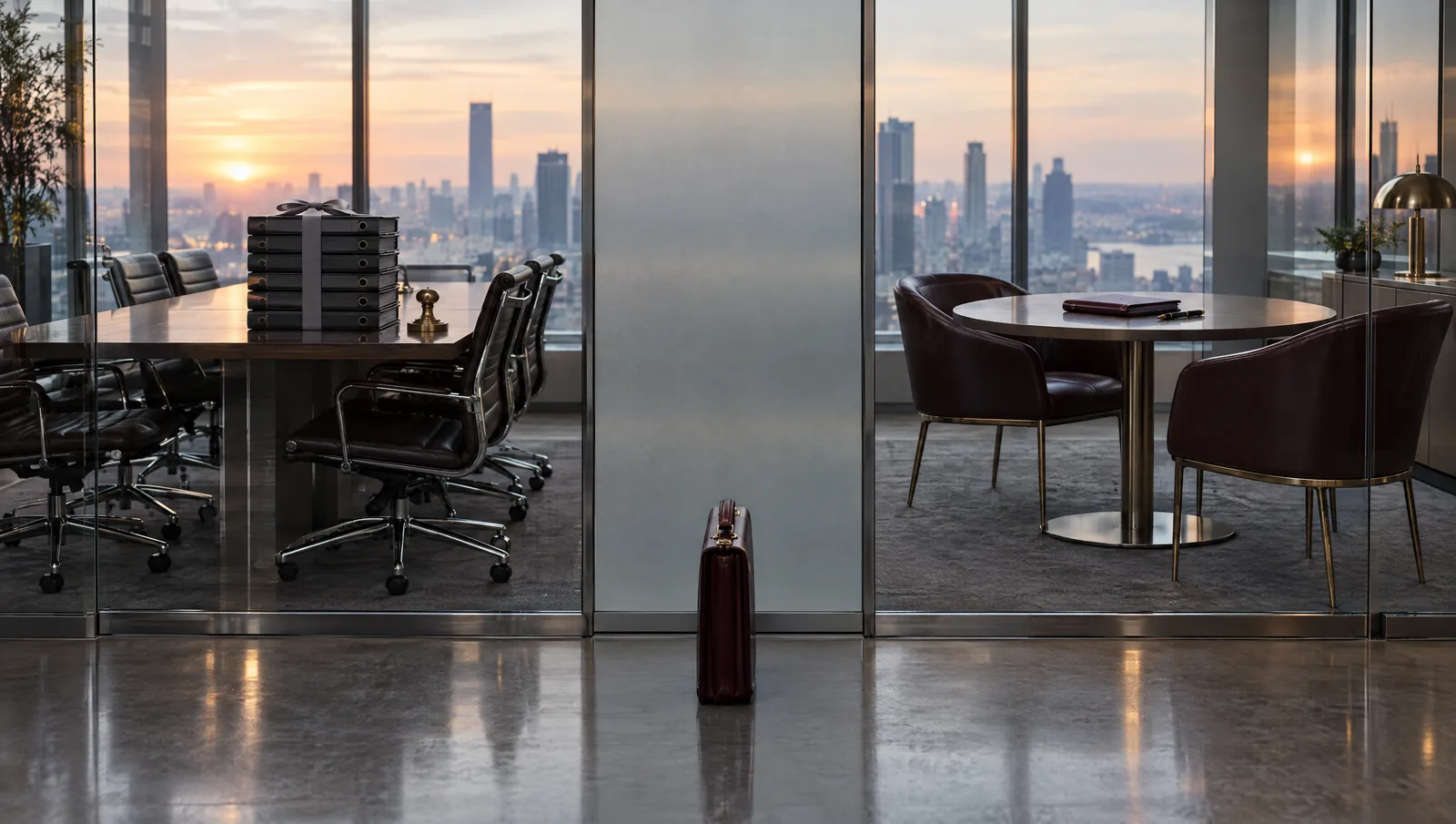
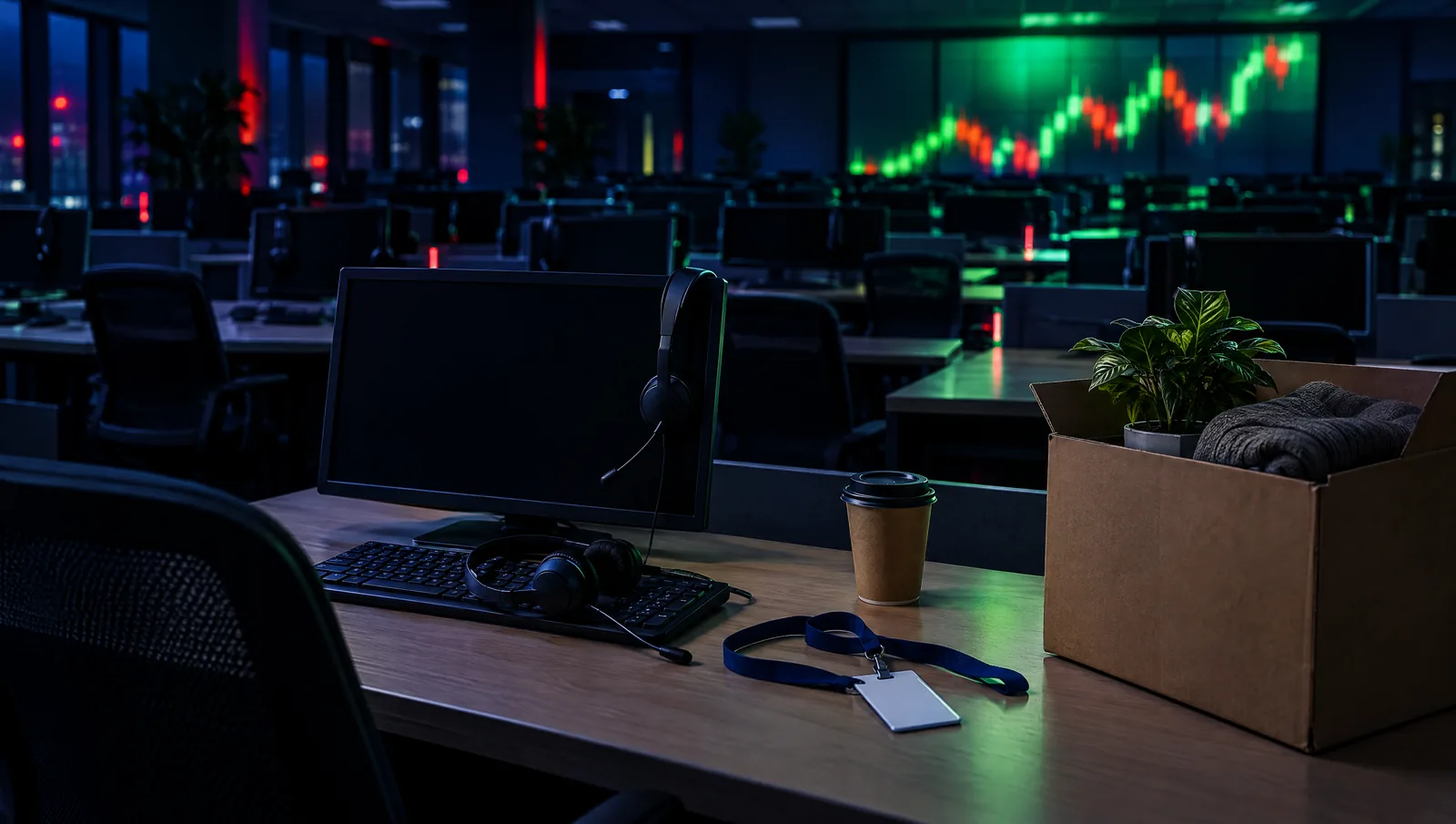
“החברה כבר לא קיימת, אז מה רוצים ממני?” זו אחת השאלות הראשונות שאני שומע ממנהלים לשעבר שמקבלים זימון לחקירה ברשות המסים, לעיתים שנים אחרי שהחברה הפסיקה לפעול, נמחקה או נכנסה להליכי חדלות פירעון. התשובה פשוטה ולא נעימה: האחריות הפלילית בעבירות מס היא אישית, והיא אינה נעלמת יחד עם התאגיד.
ניהלתם חברה שנסגרה? פנו לייעוץ אישי
החברה נסגרה או נמחקה: אפשר עדיין לחקור את המנהל?
עבירה פלילית נבחנת לפי המועד שבו בוצעה. אם בתקופה שבה החברה פעלה הוצאו חשבוניות פיקטיביות, הועלמו הכנסות או לא הועברו ניכויים, העבירות התגבשו באותו זמן. מחיקת החברה מרשם החברות, פירוקה או נטישתה אינן משנות דבר לגבי מי שניהל אותה. ולעיתים קרובות דווקא סגירת החברה היא שמעוררת את הבדיקה: דוחות אחרונים שלא הוגשו, חובות מס פתוחים ונכסים שיצאו מהחברה לפני הסגירה.
מי אחראי לעבירות המס של חברה שנסגרה: מנהל פעיל, שותף או פקיד אחראי?
סעיף 224א לפקודת מס הכנסה וסעיף 119 לחוק מס ערך מוסף קובעים הסדר דומה: כשתאגיד עבר עבירה, יואשמו בה גם מי שהיו בעת ביצועה מנהלים פעילים, שותפים, או פקידים האחראים לעניין, אלא אם יוכיחו שהעבירה נעברה שלא בידיעתם או שנקטו את כל האמצעים הסבירים למנוע אותה. בפועל, המנהל לשעבר נדרש להוכיח את חפותו בעניין חלקו, וזאת לגבי תקופה שבה כבר אין בידיו הספרים, אין לו גישה למחשבי החברה והעובדים התפזרו. במצב כזה חשוב לערב עורך דין עבירות מס כבר בשלב הזימון.
ראוי לציין שסעיף 119א לפקודה מאפשר לרשות לגבות את חוב המס של חברה מבעל שליטה או מקרובו שקיבלו נכסים מהחברה בלא תמורה מלאה. זה הליך אזרחי, אך פעמים רבות הוא מתנהל במקביל לחקירה הפלילית ומשפיע עליה.
התיישנות בעבירות מס: למה הזימון מגיע שנים אחרי שהחברה נסגרה?
בעבירות מס מסוג פשע, תקופת ההתיישנות ארוכה, ופעולות חקירה שנעשות במהלכה עשויות להאריך אותה. לכן זימון שמגיע חמש או שש שנים אחרי סגירת החברה אינו חריג. יחד עם זאת, חלוף הזמן משרת לא פעם את ההגנה: כאשר הרשות השתהתה בלי הסבר, הדבר עשוי לבסס טענת הגנה מן הצדק או לפחות שיקול משמעותי לקולה, ובמקביל הקושי של התביעה להציג עדים ומסמכים מחליש את הראיות.
זומנתם לחקירה ואין לכם את מסמכי החברה: איך מתכוננים?
הצעד הראשון הוא שחזור התמונה. אני מאתר יחד עם הלקוח את רואה החשבון של החברה, את מנהל החשבונות, את המפרק או הנאמן אם מונה, ואת חשבונות הבנק של התאגיד. במקרים רבים ניתן לקבל העתקים מהבנק, מרשם החברות ומתיקי הרשות עצמה. במקביל אני ממפה את מבנה הניהול: מי חתם בבנק, מי ניהל קשר עם הספקים, מי אישר תשלומים. המטרה היא לבסס, עוד לפני החקירה, את ההגנה לפי סעיף 224א או את היעדר המודעות לעבירה.
חשוב לדעת שבתיקי חשבוניות ומע”מ, רשות המסים מנהלת לעיתים קרובות חקירה סמויה, עורכת חיפושים ותופסת מסמכים הרבה לפני שהחשוד מקבל זימון. המשמעות עבורכם היא שהחוקרים עשויים להגיע לחקירה עם מסמכי החברה שכבר אינם בידיכם. גרסה שנמסרת מזיכרון כללי, חלקית או לא מדויקת, עלולה לסתור את מה שמונח על שולחנם, וסתירה קטנה כזו יכולה להפוך לראיה נגדכם, גם כשלא הייתה לכם שום כוונה להטעות.
חשוב להימנע מפנייה ישירה לשותפים לשעבר או לעובדים כדי “לרענן את הזיכרון”. פנייה כזו בזמן חקירה פתוחה עלולה להתפרש כניסיון לתאם גרסאות. כל איסוף מידע מגורמים אחרים נעשה דרך עורך הדין ובצורה מתועדת.
בחדר החקירות עצמו עומדת לכם הזכות לשאול ולקבל תשובה ברורה: במה בדיוק אתם חשודים. כשמדובר בחברה שנסגרה לפני שנים, התשובה צריכה לכלול את התקופה, את סוג העסקאות ואת התפקיד שמייחסים לכם, כי ממנה נגזר מה רלוונטי לגרסה שלכם. לא פעם החוקרים מדברים על הכול חוץ מהעיקר, ורמזים לכך שאפשר “לגמור מהר” אם רק תשתפו פעולה בלי עורך דין הם חלק מטכניקת החקירה.
ממליצה בחום!!!
אין משרד אחר שיכל לייצג אותי בצורה הטובה ביותר כמו המשרד שלכם.
על כן, ברצוני להביע את תודתי מעומק הלב
על העבודה הנפלאה והטיפול המסור.
זה מה שנקרא עבודת קודש
אין לי ספק שלבחור בכם הייתה בחירה מצויינת!
הזמינות, ההיענות, המסירות
אלפי תודות!
בפנייתי לעו״ד ניר רוטנברג נענתי באופן מקצועי, יעיל והכי חשוב זמין!
תמיד שהתקשרתי בזמן מצוקה, אף בשעות לא שגרתיות, תמיד קיבלנו מענה אני ובני משפחתי.
עו״ד ניר רוטנברג רהוט, מסביר פנים, ידען ומקצועי באופן יוצא מן הכלל!
בשמי ובשם משפחתי אנו מודים לך. בזכותך אנו בטוחים שנצליח לשקם את חיינו.
מתוך תיקי המשרד: מנהל חברת הובלות שנסגרה
לקוח שכיהן כמנהל רשום בחברת הובלות שנסגרה לפני ארבע שנים זומן לחקירה בחשד לשימוש בחשבוניות פיקטיביות בהיקף של מיליוני שקלים. הוא לא החזיק אף מסמך של החברה, והיה משוכנע שאין לו דרך להתגונן.
שחזרנו את חלוקת התפקידים באמצעות מסמכי הבנק, הסכמי ההתקשרות עם הלקוחות והתכתבויות שנשמרו בטלפון שלו. הוכחנו שההתקשרות עם ספקי המשנה, כולל אלה שהנפיקו את החשבוניות, נוהלה בלעדית על ידי השותף שהחזיק בעבר בשליטה התפעולית, ושהלקוח עסק בגיוס לקוחות ובניהול נהגים. הגרסה שמסר בחקירה הייתה מגובה במסמכים, ובסופו של דבר התיק נגדו נסגר מחוסר ראיות, בעוד ההליך נגד השותף נמשך.
מתוך תיקי המשרד: דוחות שלא הוגשו בשנה האחרונה
במקרה אחר, מנהלת של חברה קטנה לעיצוב פנים זומנה לחקירה על אי הגשת דוחות לשנת הפעילות האחרונה ועל ניכויים שלא הועברו. ריכזנו את המסמכים, הגשנו את הדוחות החסרים באופן מבוקר והסדרנו את חוב הניכויים. ההליך הסתיים בכופר, ללא כתב אישום.
ניהלתם חברה שנסגרה? פנו לייעוץ אישי
ניהלתם חברה שנסגרה וקיבלתם זימון: מה עושים עכשיו?
אם ניהלתם בעבר חברה שנסגרה וקיבלתם זימון לחקירה, אל תניחו שהזמן או מחיקת החברה יגנו עליכם, ואל תגיעו לחקירה עם זיכרונות כלליים בלבד. כדאי לפגוש עורך דין פלילי עוד לפני מועד החקירה. במשרד עורך דין רוטנברג אנו מלווים מנהלים ובעלי מניות בחקירות מס ומע”מ, משחזרים את התמונה העובדתית ובונים הגנה אישית שמפרידה בין האחריות שלכם לבין מה שנעשה בחברה.
עו”ד שגיב רוטנברג מתמחה במשפט הפלילי ומעניק ללקוחותיו ייצוג משפטי מקצועי ואמין. עם ניסיון של למעלה מ-25 שנה בתחום, הוא מלווה את הלקוח לאורך כל התהליך המשפטי, תוך שמירה על זכויותיו והבטחת תוצאה מיטבית. עו”ד רוטנברג מחויב למקצועיות, נאמנות ומסירות, ומיישם אסטרטגיות מנצחות עם ראיית הלקוח במרכז.
מצב זה מאפשר לאנשים עם אפילפסיה להשתמש באתר בבטחה על ידי ביטול הסיכון להתקפים הנובעים מהנפשות מהבהבות או מהבהבות ושילובי צבעים מסוכנים.
מצב לקוי ראייה
משפר את הוויזואליה של האתר
מצב זה מתאים את האתר לנוחיותם של משתמשים עם ליקויי ראייה כגון ראייה משפילה, ראיית מנהרה, קטרקט, גלאוקומה ועוד.
מצב מוגבלות קוגניטיבית
עוזר להתמקד בתוכן ספציפי
מצב זה מספק אפשרויות סיוע שונות כדי לעזור למשתמשים עם ליקויים קוגניטיביים כגון דיסלקציה, אוטיזם, CVA ואחרים, להתמקד במרכיבים החיוניים של האתר ביתר קלות.
ADHD ידידותי ל
מפחית הסחות דעת ומשפר את המיקוד
מצב זה מספק אפשרויות סיוע שונות כדי לעזור למשתמשים עם ליקויים קוגניטיביים כגון דיסלקציה, אוטיזם, CVA ואחרים, להתמקד במרכיבים החיוניים של האתר ביתר קלות.
מצב עיוורון
מאפשר שימוש באתר עם קורא המסך שלך
מצב זה מגדיר את האתר כך שיהיה תואם לקוראי מסך כגון JAWS, NVDA, VoiceOver ו-TalkBack. קורא מסך הוא תוכנה למשתמשים עיוורים המותקנת במחשב ובסמארטפון, ואתרי אינטרנט חייבים להיות תואמים לה..
התאמות טקסט והתוכן
גופן קריא
הדגש קישורים
הדגש כותרות
קנה מידה של תוכן
ברירת מחדל
גודל גופן
ברירת מחדל
ריווח אותיות
ברירת מחדל
גובה קו
ברירת מחדל
זכוכית מגדלת טקסט
ידידותית לדיסלקציה
מיושר לימין
מיושר למרכז
מיושר לשמאל
התאמות צבעים ותצוגה
ניגודיות כהה
ניגודיות אור
ניגודיות גבוה
רוויה גבוהה
רוויה נמוכה
מונוכרום
התאם את צבעי הטקסט
התאם את צבעי הכותרת
התאם את צבעי הרקע
התמצאות קלה
השתקת צלילים
הסתר תמונות
מקלדת וירטואלית
מדריך קריאה
עצור אנימציות
מסכת קריאה
הדגש את הרחף
הדגש פוקוס
סמן שחור גדול
סמן אור גדול
מקשי ניווט
Accessibility Statement
crime-law.co.il
5 בNovember 2026
Compliance status
We firmly believe that the internet should be available and accessible to anyone, and are committed to providing a website that is accessible to the widest possible audience,
regardless of circumstance and ability.
To fulfill this, we aim to adhere as strictly as possible to the World Wide Web Consortium’s (W3C) Web Content Accessibility Guidelines 2.1 (WCAG 2.1) at the AA level.
These guidelines explain how to make web content accessible to people with a wide array of disabilities. Complying with those guidelines helps us ensure that the website is accessible
to all people: blind people, people with motor impairments, visual impairment, cognitive disabilities, and more.
This website utilizes various technologies that are meant to make it as accessible as possible at all times. We utilize an accessibility interface that allows persons with specific
disabilities to adjust the website’s UI (user interface) and design it to their personal needs.
Additionally, the website utilizes an AI-based application that runs in the background and optimizes its accessibility level constantly. This application remediates the website’s HTML,
adapts Its functionality and behavior for screen-readers used by the blind users, and for keyboard functions used by individuals with motor impairments.
If you’ve found a malfunction or have ideas for improvement, we’ll be happy to hear from you. You can reach out to the website’s operators by using the following email
Screen-reader and keyboard navigation
Our website implements the ARIA attributes (Accessible Rich Internet Applications) technique, alongside various different behavioral changes, to ensure blind users visiting with
screen-readers are able to read, comprehend, and enjoy the website’s functions. As soon as a user with a screen-reader enters your site, they immediately receive
a prompt to enter the Screen-Reader Profile so they can browse and operate your site effectively. Here’s how our website covers some of the most important screen-reader requirements,
alongside console screenshots of code examples:
Screen-reader optimization: we run a background process that learns the website’s components from top to bottom, to ensure ongoing compliance even when updating the website.
In this process, we provide screen-readers with meaningful data using the ARIA set of attributes. For example, we provide accurate form labels;
descriptions for actionable icons (social media icons, search icons, cart icons, etc.); validation guidance for form inputs; element roles such as buttons, menus, modal dialogues (popups),
and others. Additionally, the background process scans all of the website’s images and provides an accurate and meaningful image-object-recognition-based description as an ALT (alternate text) tag
for images that are not described. It will also extract texts that are embedded within the image, using an OCR (optical character recognition) technology.
To turn on screen-reader adjustments at any time, users need only to press the Alt+1 keyboard combination. Screen-reader users also get automatic announcements to turn the Screen-reader mode on
as soon as they enter the website.
These adjustments are compatible with all popular screen readers, including JAWS and NVDA.
Keyboard navigation optimization: The background process also adjusts the website’s HTML, and adds various behaviors using JavaScript code to make the website operable by the keyboard. This includes the ability to navigate the website using the Tab and Shift+Tab keys, operate dropdowns with the arrow keys, close them with Esc, trigger buttons and links using the Enter key, navigate between radio and checkbox elements using the arrow keys, and fill them in with the Spacebar or Enter key.Additionally, keyboard users will find quick-navigation and content-skip menus, available at any time by clicking Alt+1, or as the first elements of the site while navigating with the keyboard. The background process also handles triggered popups by moving the keyboard focus towards them as soon as they appear, and not allow the focus drift outside of it.
Users can also use shortcuts such as “M” (menus), “H” (headings), “F” (forms), “B” (buttons), and “G” (graphics) to jump to specific elements.
Disability profiles supported in our website
Epilepsy Safe Mode: this profile enables people with epilepsy to use the website safely by eliminating the risk of seizures that result from flashing or blinking animations and risky color combinations.
Visually Impaired Mode: this mode adjusts the website for the convenience of users with visual impairments such as Degrading Eyesight, Tunnel Vision, Cataract, Glaucoma, and others.
Cognitive Disability Mode: this mode provides different assistive options to help users with cognitive impairments such as Dyslexia, Autism, CVA, and others, to focus on the essential elements of the website more easily.
ADHD Friendly Mode: this mode helps users with ADHD and Neurodevelopmental disorders to read, browse, and focus on the main website elements more easily while significantly reducing distractions.
Blindness Mode: this mode configures the website to be compatible with screen-readers such as JAWS, NVDA, VoiceOver, and TalkBack. A screen-reader is software for blind users that is installed on a computer and smartphone, and websites must be compatible with it.
Keyboard Navigation Profile (Motor-Impaired): this profile enables motor-impaired persons to operate the website using the keyboard Tab, Shift+Tab, and the Enter keys. Users can also use shortcuts such as “M” (menus), “H” (headings), “F” (forms), “B” (buttons), and “G” (graphics) to jump to specific elements.
Additional UI, design, and readability adjustments
Font adjustments – users, can increase and decrease its size, change its family (type), adjust the spacing, alignment, line height, and more.
Color adjustments – users can select various color contrast profiles such as light, dark, inverted, and monochrome. Additionally, users can swap color schemes of titles, texts, and backgrounds, with over 7 different coloring options.
Animations – epileptic users can stop all running animations with the click of a button. Animations controlled by the interface include videos, GIFs, and CSS flashing transitions.
Content highlighting – users can choose to emphasize important elements such as links and titles. They can also choose to highlight focused or hovered elements only.
Audio muting – users with hearing devices may experience headaches or other issues due to automatic audio playing. This option lets users mute the entire website instantly.
Cognitive disorders – we utilize a search engine that is linked to Wikipedia and Wiktionary, allowing people with cognitive disorders to decipher meanings of phrases, initials, slang, and others.
Additional functions – we provide users the option to change cursor color and size, use a printing mode, enable a virtual keyboard, and many other functions.
Browser and assistive technology compatibility
We aim to support the widest array of browsers and assistive technologies as possible, so our users can choose the best fitting tools for them, with as few limitations as possible. Therefore, we have worked very hard to be able to support all major systems that comprise over 95% of the user market share including Google Chrome, Mozilla Firefox, Apple Safari, Opera and Microsoft Edge, JAWS and NVDA (screen readers), both for Windows and for MAC users.
Notes, comments, and feedback
Despite our very best efforts to allow anybody to adjust the website to their needs, there may still be pages or sections that are not fully accessible, are in the process of becoming accessible, or are lacking an adequate technological solution to make them accessible. Still, we are continually improving our accessibility, adding, updating and improving its options and features, and developing and adopting new technologies. All this is meant to reach the optimal level of accessibility, following technological advancements. For any assistance, please reach out to
 יצוג פלילי
 אינטרפול
 עבירות סמים
 עורך דין עבירות מין
 עבירות צווארון לבן
 נפגעי עבירה